
Wireless Security Sensor Troubleshooting: Quick Fixes That Work
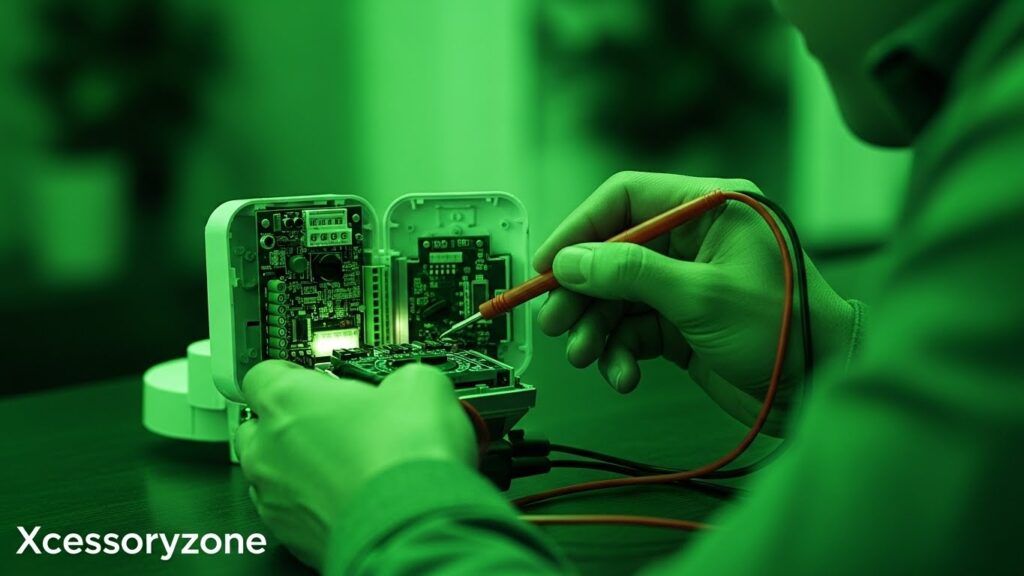
Wireless security sensors are great—until one of them stops behaving the way it should. A door sensor that suddenly goes silent, a motion sensor that won’t stop alerting you, or a device that randomly disconnects can make the whole system feel unreliable.
If you’ve run into this situation, you’re not alone. These problems are extremely common, and most of the time, the fix is simpler than people expect. In many cases, nothing is broken at all. It’s usually a small issue related to power, placement, or connection.
This article walks through real, practical fixes that actually work, without overcomplicating things.
Table of Contents
When a Sensor Seems Completely Dead
The first reaction most people have is to assume the sensor has failed. In reality, it’s almost always a battery issue. Wireless sensors depend entirely on battery power, and even new systems can ship with batteries that are already weak.
Before doing anything else, replace the battery. Don’t rely on the old one “looking fine.” Put in a fresh battery, make sure it’s seated correctly, and close the sensor firmly. You’d be surprised how often this alone solves the problem.
If the sensor still doesn’t respond, removing it from the app and adding it back again usually brings it back to life.
Sensors That Keep Dropping Offline
Few things are more annoying than a sensor that connects one minute and disappears the next. This usually points to a signal issue rather than a faulty device.
Wireless sensors don’t like thick walls, metal doors, or long distances from the hub. Sometimes even moving a sensor a few inches can improve the connection. If your hub is tucked away in a corner of the house, try placing it somewhere more central.
In larger homes, adding a signal extender can make a noticeable difference.
Motion Sensors Going Crazy With Alerts
Motion sensors are useful, but they’re also sensitive by design. If one keeps triggering alerts when nothing is happening, it’s usually reacting to heat, light, or movement you didn’t think about.
Sunlight through a window, warm air from a vent, or even moving shadows can set it off. Adjusting the sensitivity in the app helps, but placement matters just as much. Aim sensors away from windows and vents, and avoid areas where light changes throughout the day.
If you have pets, check whether your system offers a pet-friendly setting. That alone can cut false alerts in half.
Door or Window Sensors Missing Activity
Door and window sensors are simple devices, but they rely on precise alignment. If the magnet and sensor aren’t lined up properly, detection becomes unreliable.
Over time, adhesive can loosen, especially in humid or dusty areas. If a sensor worked fine before and suddenly stopped, it may have shifted slightly. Reattach it securely and make sure the gap between the two pieces is minimal.
This is a small fix, but it’s one people often overlook.
Alerts Showing Up Late (or Not at All)
Delayed notifications can feel like a system failure, but the problem is often outside the sensor itself. Internet speed, phone settings, or app permissions are usually responsible.
Check that your phone allows notifications from the security app and that battery-saving features aren’t blocking it. Updating the app and firmware also helps more than people realize.
Once the connection stabilizes, alerts usually return to normal.
Tamper Warnings That Don’t Make Sense
Some sensors include tamper alerts to warn you if someone opens or removes them. If you’re getting these alerts without touching the sensor, it’s usually because it’s not mounted firmly.
Make sure the back cover is fully closed and the sensor is secured tightly. Loose mounting can trigger tamper alerts even when nothing is wrong.
When Resetting Is the Best Option
Sometimes, the fastest fix is simply starting over. Resetting a sensor clears small glitches that build up over time. After resetting, add it back to the system and test it right away.
This step sounds drastic, but it’s often the easiest solution.
Knowing When It’s Not You
If a sensor keeps failing after battery replacement, repositioning, and resetting, there’s a good chance it’s defective. At that point, contacting support or checking the warranty makes sense.
Final Thoughts
Wireless security sensors are reliable most of the time, but they’re not perfect. Most issues come down to simple things—batteries, placement, or signal strength. Taking a calm, step-by-step approach usually solves the problem without needing professional help.
Once everything is working properly again, the peace of mind is worth the effort.